
TeamBuildr
PowerUser Course
TeamBuildr's Strength & Conditioning Software
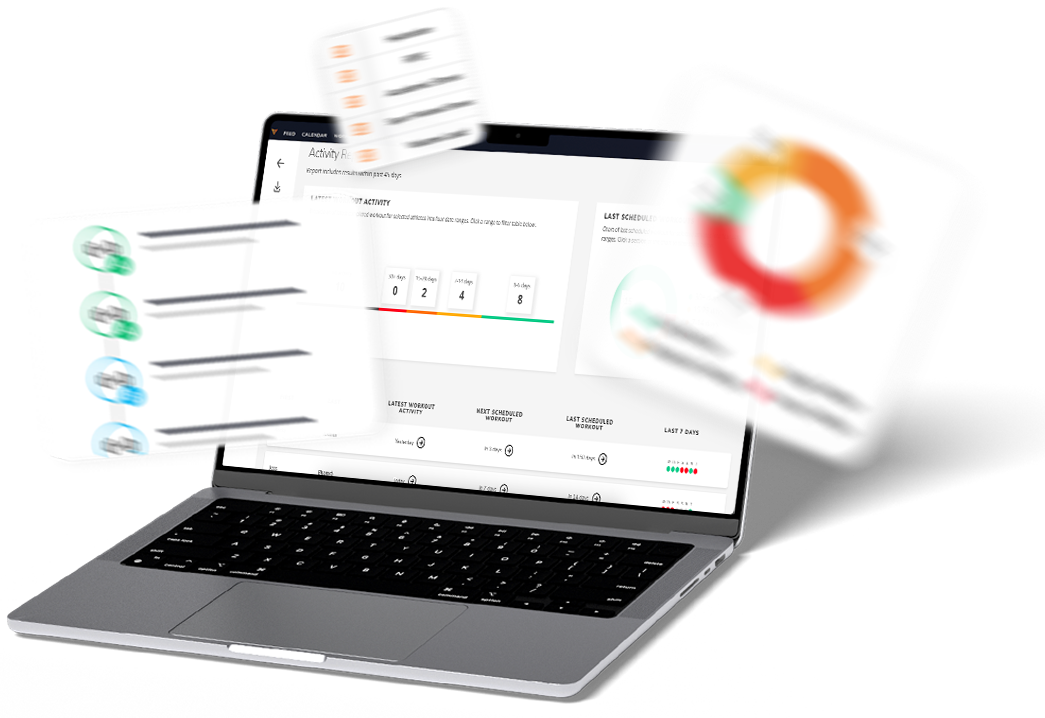
You Will Learn...
 How to set up your TeamBuildr Strength account
The best ways to develop exercise database while keeping it clean
How to add and manage users & calendars
Various programming methods (date-based & free form)
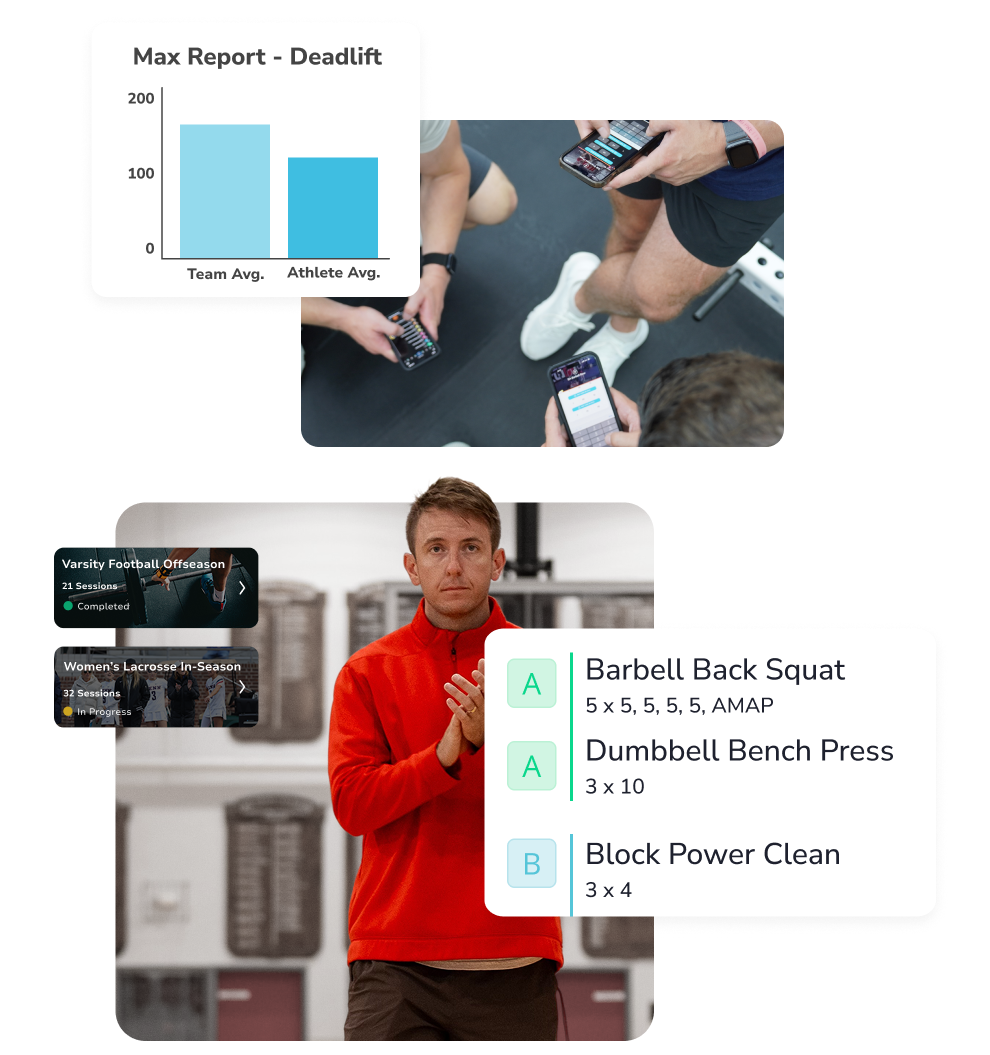
What programs look like from your athlete's perspective
Data tracking & reporting tools
How to sell programs online
Course Reviews
.png?width=600&height=600&name=Quote%20Image%20(3).png)
Deeper understanding of the program. I have now completed the Power User course and extended my knowledge of TeamBuildr, it's a very useful way of programming athletes in team sports. The course has opened my eyes to features I didn't use."


The PowerUser course offers valuable benefits especially uncovering hidden features. The course pushes you to rethink how you use Teambuildr, helping you work smarter for better results. (e.g., modifying end-user set and rep entries, adding Session Breaks, etc.)."

.png?width=600&height=600&name=Quote%20Image%20(1).png)
Great info! This course covered everything you need to know to successfully be a coach"

.png?width=600&height=600&name=Quote%20Image%20(2).png)
GREAT CONTENT! It is on the mark. Great Presentations and very helpful."