For College Coaches

Stop Managing Spreadsheets. Start Developing Athletes.

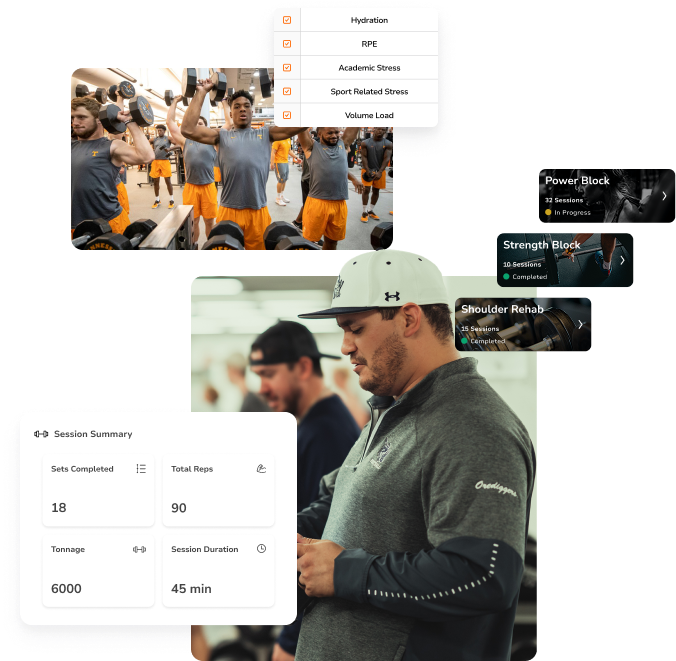
You're already running an elite program. TeamBuildr makes sure everyone sees it. One platform for your programming, reporting, and every athletic stakeholder. The work you do in the weight room shows up everywhere it needs to.

Trusted by leading programs across the country

TeamBuildr Features For College
The Challenge

One program. Fifteen sports. A hundred stakeholders. Zero source of truth.

Athletics departments run on trust and data — but most strength staffs have to stitch it all together with spreadsheets, group texts, and paper workout cards. The programs are elite. The infrastructure isn't.

Spreedsheets Don't Scale

Every sport, every lift, every readiness score, stacked in folders and color-coded tabs. One broken formula and a week of programming is at risk. Your job doesn’t have to be data entry. It's developing athletes.

📄

Reporting Eats Your Coaching Time

Sport coaches want updates. Athletic trainers need load data. ADs want outcomes. Everyone is working toward the same thing, but getting them what they need shouldn't take four separate conversations and four different versions of the same data.

"I Don't Remember What I Hit Last Time"

Student-athletes are balancing class, practice, film, and life. The last thing they should be tracking is a crumpled workout card at the bottom of a gym bag. When last week's numbers are lost, progression stalls, PRs get guessed at, and the work you programmed never fully shows up. Buy-in is built on clarity and clarity has to live somewhere.

How TeamBuildr Helps

Built for the strength coach. Open to the whole department.

TeamBuildr centralizes programming, communication, and reporting — then lets every other stakeholder plug in at no extra cost. You stay at the center of the ecosystem. You stop being the middleman.
01

New S&C Programming Builder. Now Called - "Build"

Date-based, dateless, and day-stacked programming with the fastest workflow in the industry.
02

Weight Room View

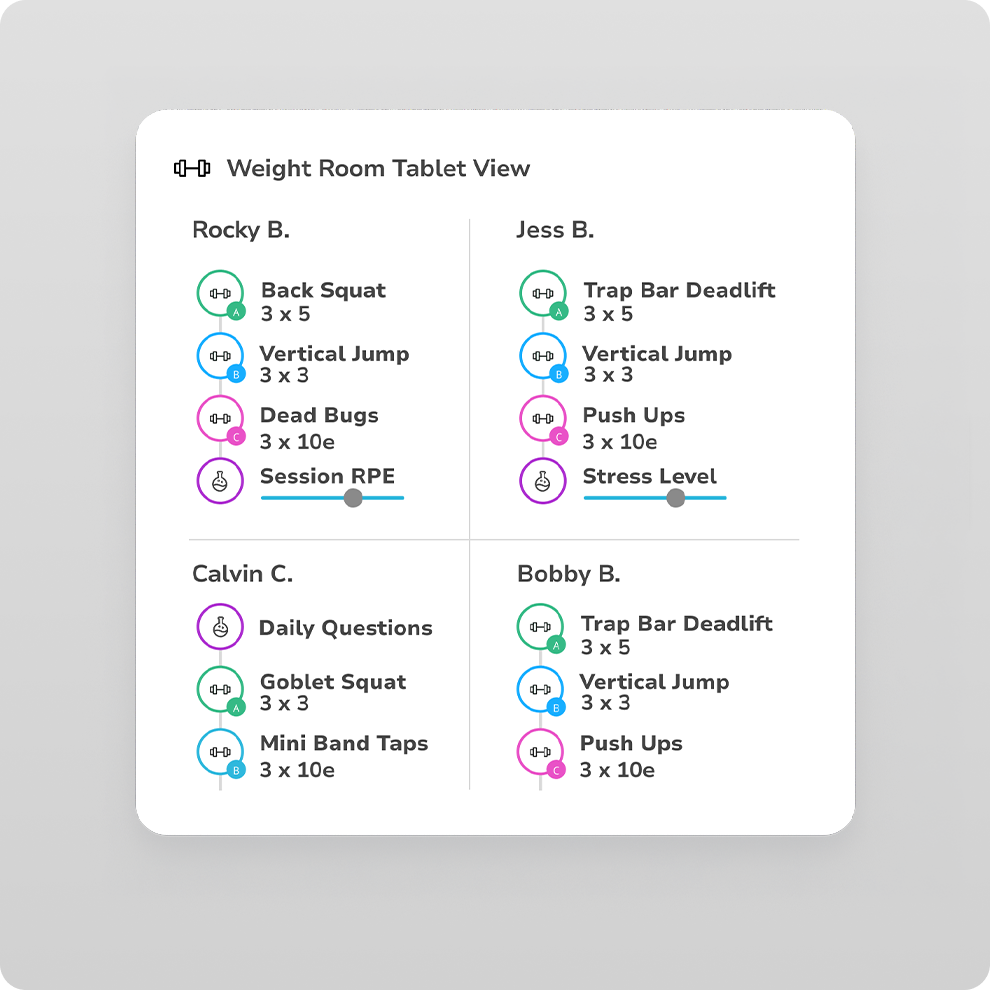
No smartphones on the floor. Weight Room View turns shared tablets into individual workout stations, with 4–8 athletes per device logging their own loads and reps as they move between racks.
03

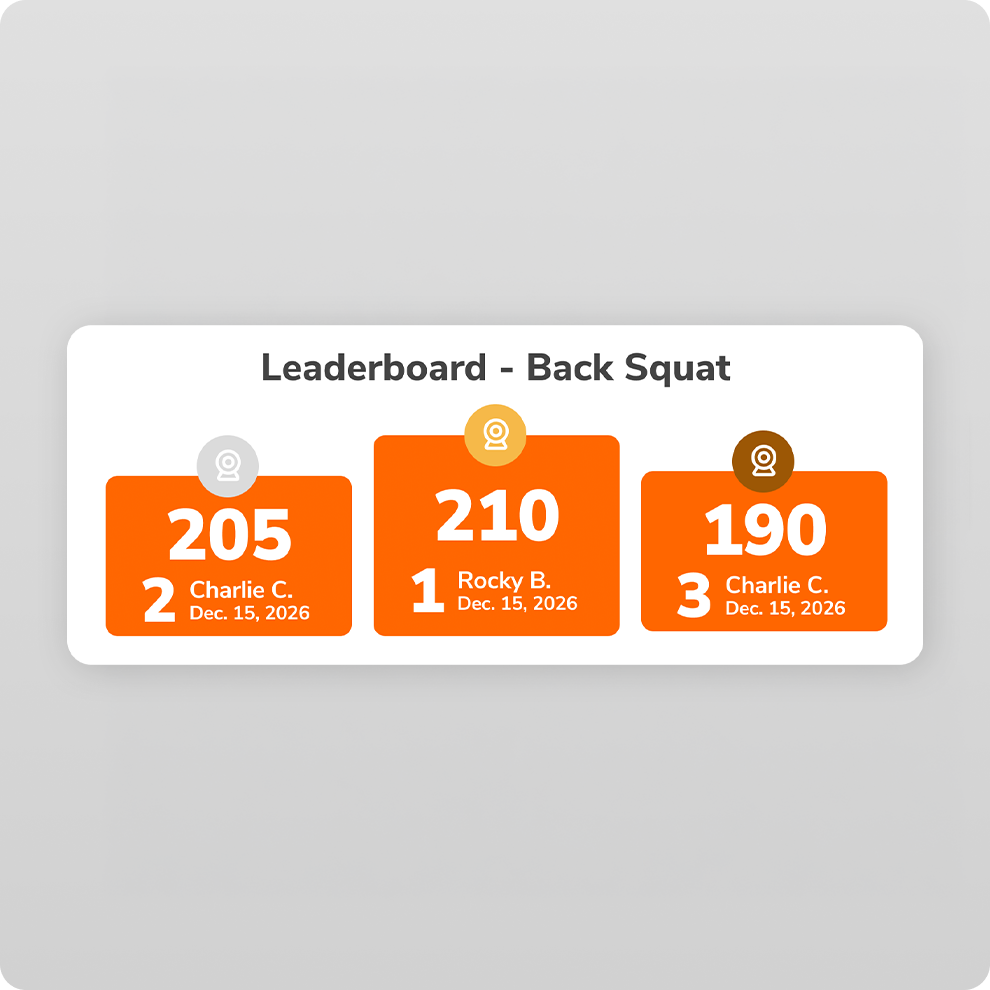
Leaderboard

Turn weight room results into daily competition athletes actually care about.
04

Reporting & Integrations

Share reports with sport coaches and ADs without rebuilding a spreadsheet.
05

AMS

Pain, load, readiness, and wellness data your staff can actually use.
FC- Drag & Drop Exercise (Hover) v2

Build: programming designed around how you actually coach
Build is the strength coach's programming hub — date-based, free-form, and day-stacking views, plus drag-and-drop, keyboard shortcuts, and undo. Whatever your programming style, you get there in fewer clicks than any other platform.
WRV College Card

A Paperless Weight Room, Without the Phones
Athletes share a tablet mounted to a rack, tap through their individual programs, and log loads and reps as they move between stations. You see results the moment they happen, on any web-enabled tablet. 
Leaderboard College Card

Leaderboards that drive buy-in

Leaderboards surface top lifts, PRs, and effort across teams and athletes in real time, so the weight room feels like a competition instead of a checklist. Athletes train harder when they can see where they stand — and sport coaches see the engagement without you having to sell it.
Reporting College Card

Reporting your sport coaches will actually open
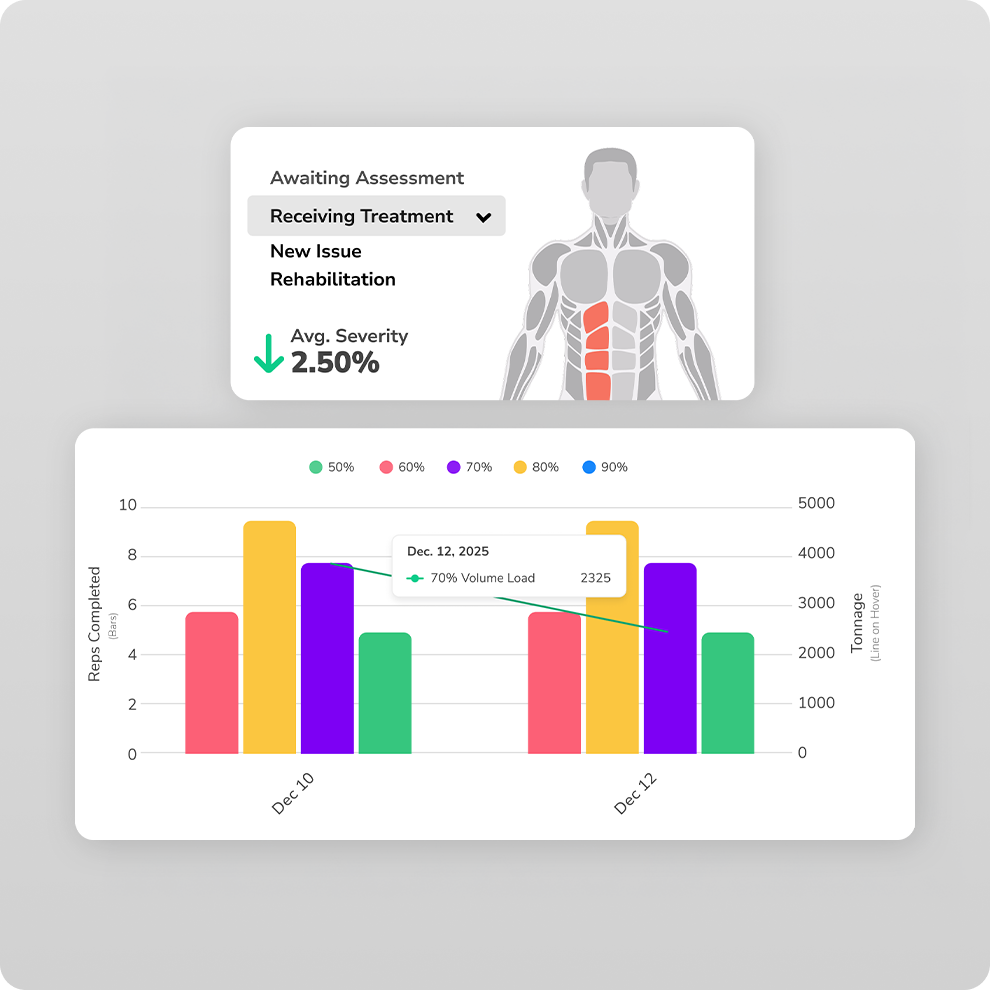
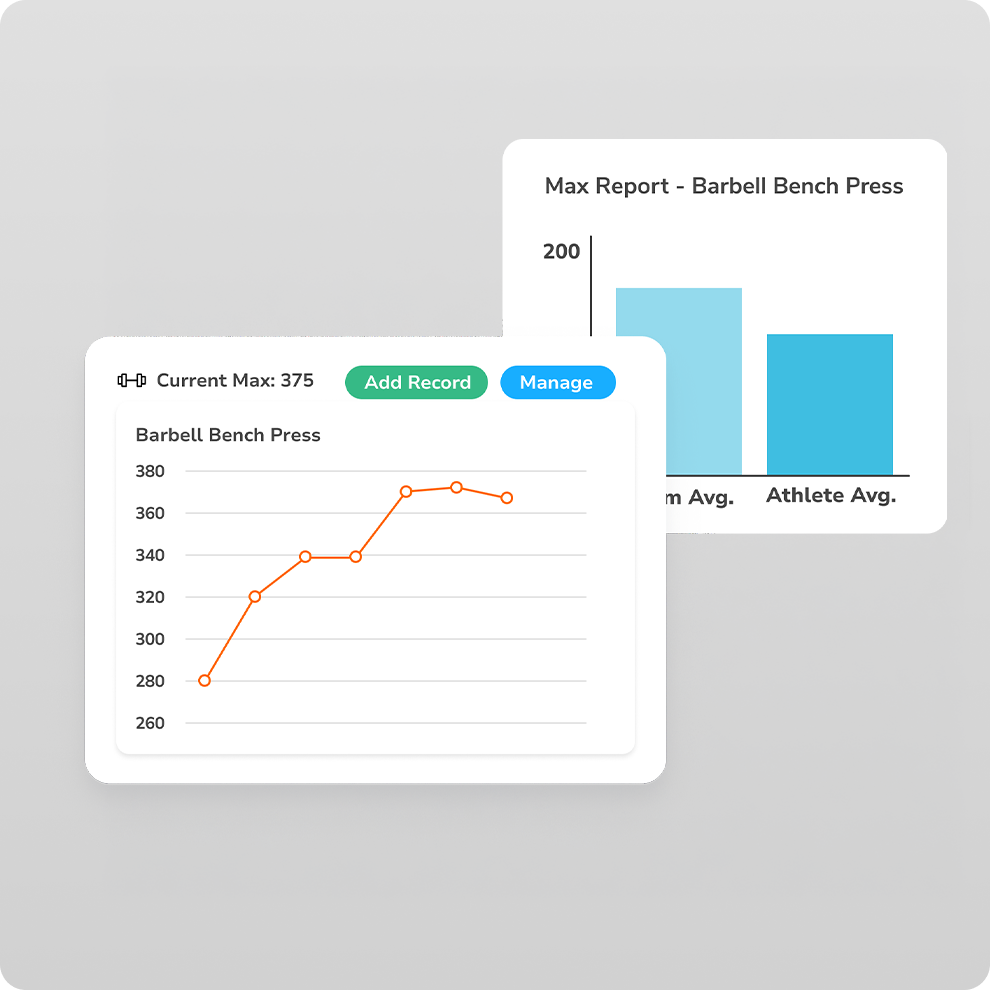
Pull weight room performance, wellness trends, and team-level results into reports you can send to sport coaches, athletic directors, or compliance — filtered by team, athlete, or date range. Integrations with the tools you already use (force plates, velocity, GPS) mean the data lands in one place instead of five.
AMS College Card

AMS for the whole performance department

AMS gives athletic trainers and sports medicine staff a shared view of athlete pain, soreness, load, and readiness — pulled from the same daily check-ins athletes already complete. Instead of separate spreadsheets and side conversations, everyone is working off one source of truth.

AMS is a paid add-on.
What Drives Results

Everything a college strength program actually needs.

College strength programs run on coordination. TeamBuildr handles the complexity, so your staff stays aligned, your athletes stay engaged, and your programming actually scales.

📈

Flexible Programming That Scales

Build once, deliver everywhere.

Team Group   Athlete layers to programming and flexible templates mean elite programming for every team without re-writing the wheel each week. Your philosophy, delivered at scale.

📊

An AMS the Whole Department Uses

12+ reports and a full AMS dashboard suite give athletic trainers, sport coaches, and support staff the insight they need — without pulling you into every conversation. Shared visibility. Fewer meetings. Better decisions.


🏆

Athlete Buy-In, By Design

Athletes see their schedule, their training, and their progress in one place. Clear expectations, clear feedback, clear wins. When the system respects their time, they trust the coach behind it.

Your Whole Department. One Invoice.

 Up and Running In an Hour. 

Athletic trainers, sport coaches, and performance staff join the same platform at no extra cost. No per-seat math. No carve-outs. No IT department required. Pre-loaded templates, video guides if you want them, and a support team that responds in minutes — not days. Your first day feels like day ten.


See how colleges are using TeamBuildr

Real coaches, real programs, real results.

University of Oregon

University of Oregon

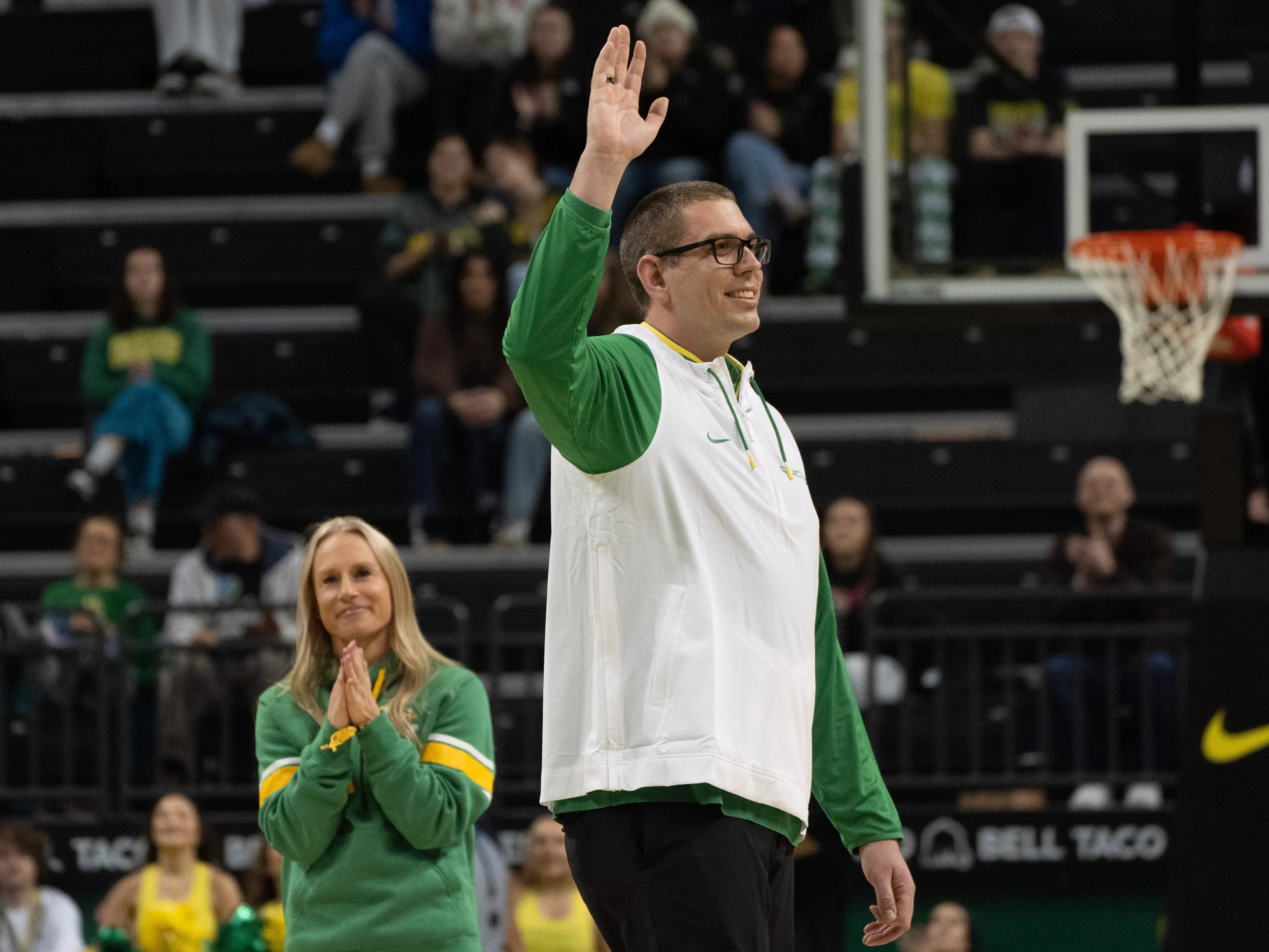
The University of Oregon’s volleyball coach, Trent Kersten, pioneered a better way for their practices. Explore how coaches can use TeamBuildr to streamline planning and monitor training loads without ever touching Excel.

Platform Stack

Strength Platform Stack
See Pricing
See Pricing
Johns Hopkins University

Johns Hopkins University

Joe Alexander and their performance staff have overcome the challenges of managing data for 24 diverse athletic teams with limited resources. See how TeamBuildr AMS has boosted department efficiency and decision-making without exceeding budget constraints.

Platform Stack

Strength Platform Stack
AMS Platform Stack
See Pricing
See Pricing
Elon University
Elon University

Elon University

From playing in the NFL to transitioning into college athletics, Elon’s Strength Director, Nick DiMarco, used TeamBuildr to buuld a smarter, scalable performance system to train high-level athletes.

Platform Stack

Strength Platform Stack
AMS Platform Stack
See Pricing
See Pricing

Pricing that fits every program

Silver
$900 /yr
Start Free Trial
KEY FEATURES INCLUDED
  • Features for programming, reporting, & data collection
  • Custom Exercise Library
  • Custom 1RM Tracking
  • Questionnaires Module
Gold
$1500 /yr
Start Free Trial
KEY FEATURES INCLUDED
  • Features for programming, reporting, & data collection
  • Custom Exercise Library
  • Custom 1RM Tracking
  • Questionnaires Module
Platinum Pro
$2800 /yr
Start Free Trial
KEY FEATURES INCLUDED
  • VBT Analytics & Dashboard
  • API Integrations
  • Annual Planner

Compare Tiers

Powerful features included at every level.

Tiers
Silver
Gold
Platinum
Platinum PRO
Max # of athletes / clients 50 250 500 1,000
Max # of coaches Unlimited Unlimited Unlimited Unlimited
Weight Room View
Whiteboard
Exercise Library/Training Templates
Raw Data Report (Export your data to CSV)
Integrations to VBT
Annual Planner

Included in Every Tier

Features that are included in every TeamBuildr Strength tier.

iOS & Android App
Custom Logo & Colors
Mobile Video Upload
Max & PR Tracking
Messaging
Wellness Questionnaires
Online Payments
Leaderboards
Exercise Database & Videos
Document Sharing
Workout Results
Completion Reports
Progress Report
Questionnaire Report
Workout Results Report
+ 8 Additional Reports

FAQ's

What tools does TeamBuildr offer college strength and conditioning coaches?

TeamBuildr provides college strength and conditioning coaches with tools for combining programming, wellness monitoring, performance analytics, and athlete communication in one system. College programs use it to write and assign workouts across dozens of teams, capture daily wellness and readiness check-ins, track velocity and load data from the weight room, and generate reports for sport coaches and athletic directors. The platform supports tablet, TV and athlete-app views, so the same program can run from a TV or tablet in the weight room, or an athlete's phone.

Which colleges and universities use TeamBuildr?

TeamBuildr is used by college athletic programs across every level of competition, including NCAA Division I, Division II, Division III, NAIA, and NCCAA institutions. Notable programs include the University of Oregon, University of Tennessee, Johns Hopkins University, Yale University, University of Pennsylvania, Drexel University, and Elon University, alongside hundreds of others. Case studies covering how these programs use TeamBuildr, from volleyball practice planning at Oregon to multi-team data management at Johns Hopkins, are available on the TeamBuildr blog.

Can college strength coaches run live weight room sessions in TeamBuildr?

Yes — TeamBuildr is designed to run live weight room sessions for college athletes through dedicated whiteboard and tablet views. The whiteboard view displays the day's program on a TV or monitor so athletes can see their assigned lifts, sets, reps, and loads at a glance, while the tablet view lets coaches log results, adjust loads, and capture feedback from the weight room floor. Athletes can also pull their own program up on the TeamBuildr app to enter results directly, which keeps the data clean without a coach having to transcribe sheets after the session.

How do college strength coaches manage programming for multiple teams at once?

College Coaches manage multi-team programming through TeamBuildr’s Groups & Calendar features. They can view the progress each program and percentage-based loading that adjusts to each athlete’s maxes. A single coach can run distinct programs for football, basketball, volleyball, and Olympic sports simultaneously without rewriting workouts from scratch each cycle. Elon's strength director has built a scalable system on this model, and programs like Johns Hopkins use the same approach to support 24 varsity teams with a lean performance staff.

What's the difference between TeamBuildr Strength and TeamBuildr AMS for a college program?

TeamBuildr Strength is the core platform — programming, lift tracking, athlete app, and reporting — while AMS (Athlete Management System) is an add-on that layers in wellness check-ins, readiness scoring, soreness and pain tracking, and load monitoring. Most college programs start with Strength to consolidate programming and reporting, then add AMS once they want to correlate weight room work with athlete-reported readiness and injury risk indicators. Johns Hopkins and Elon both run the Strength + AMS combination to give performance staff a fuller picture of how athletes are responding to training.

Is TeamBuildr a good fit for Division II, Division III, and NAIA programs, or just Power 4 schools?

eamBuildr is built to scale across program sizes and budgets, and the customer base reflects that — Division II, Division III, and NAIA programs make up a large share of college users alongside Power 4 and other Division I schools. Salisbury University (DIII) and Elon University (FCS DI) are examples of how mid-major D1 and DIII programs use TeamBuildr to compete with larger budgets through better workflow and data, not more headcount. Pricing scales with program size, so a single-coach DIII department isn’t paying for capacity it won’t use.

How does TeamBuildr help college programs reduce injury risk and monitor athlete load?

TeamBuildr's AMS module helps college performance staffs monitor athlete load by combining daily wellness check-ins, subjective readiness scores, and weight room training volume into a single view, then flagging athletes trending into high-risk zones. Coaches at programs like the University of Oregon use it to track training load across sport practice and the weight room, which lets the staff adjust intensity before athletes accumulate the kind of load spikes that correlate with soft-tissue injury. The platform doesn't replace clinical judgment, but it gives strength staff and sports medicine the shared data they need to have informed conversations about modifying a session.

How do college athletic departments use TeamBuildr to report performance data to sport coaches and ADs?

College athletic departments use TeamBuildr's reporting tools to package weight room performance, wellness trends, and readiness data into team-level and athlete-level reports that sport coaches and athletic directors can actually use. Reports can be filtered by team, date range, or specific lifts and metrics, then exported or shared directly from the platform. This is especially valuable for programs like Johns Hopkins that need to show outcomes across many sports without dedicating a staff member to manual data work in spreadsheets.

What does it cost a college program to use TeamBuildr?

TeamBuildr pricing for college programs is based on the platforms selected (Strength, AMS, or both) and the size and needs of the athletic department, with packages designed to fit single-team budgets through full-department deployments. Most programs start by scoping a demo with the TeamBuildr team to map current workflow and roster size to the right configuration.  Current pricing for college athletic departments is available on the TeamBuildr pricing page, and a free trial is available for coaches who want to evaluate the platform before committing.

Back to top