Your New S&C Programming Builder
Now Called - "Build"
The fastest, most flexible way to build strength and conditioning programs
Built for the modern coach
Prioritizing optionality for coaches and athletes.
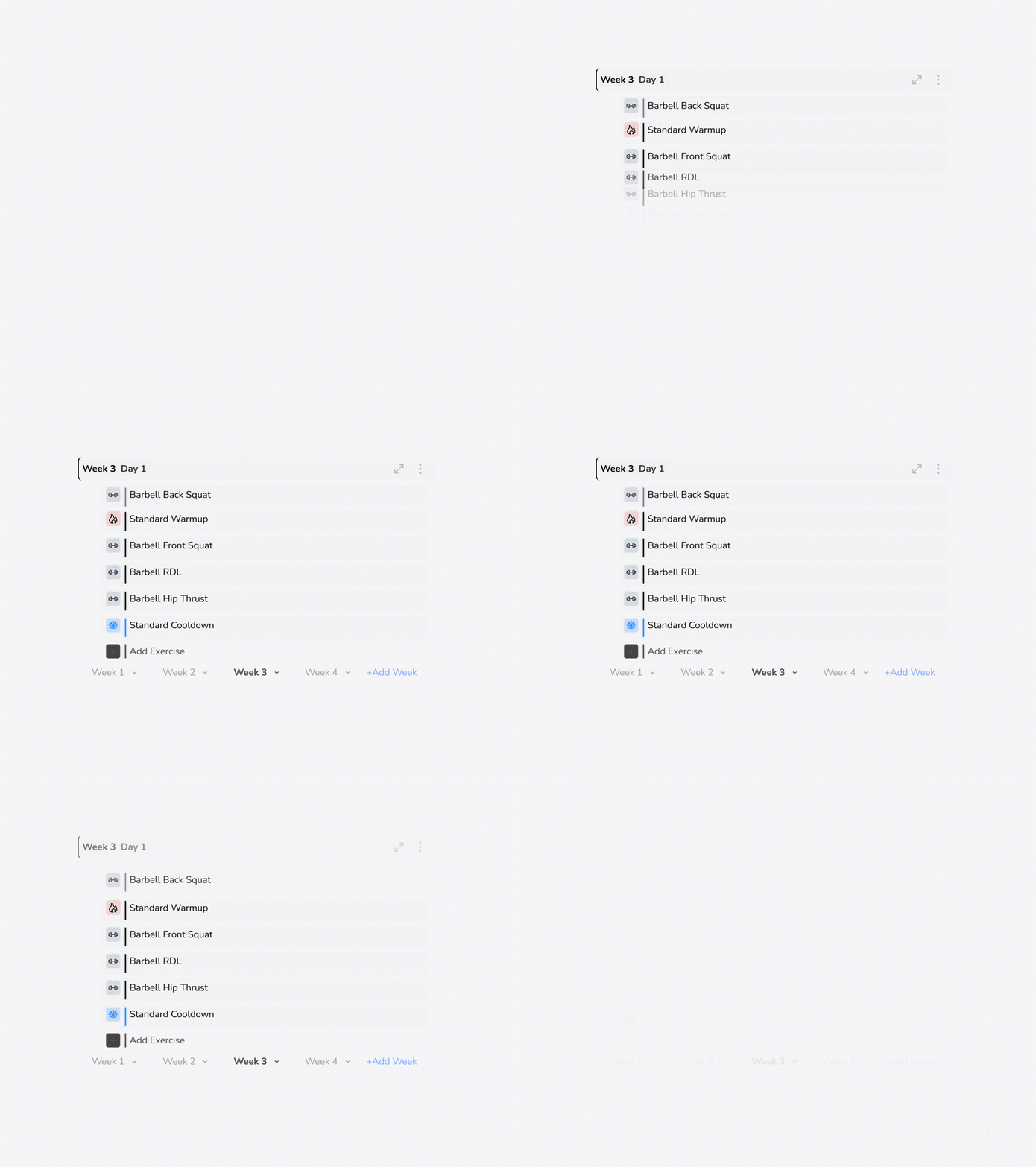
- 📅 Date-Based Programming Schedule & build workouts on specific dates and days of the week.
- 🧱 Free Form Programming Create workouts without being restricted to specific dates or fixed schedules.
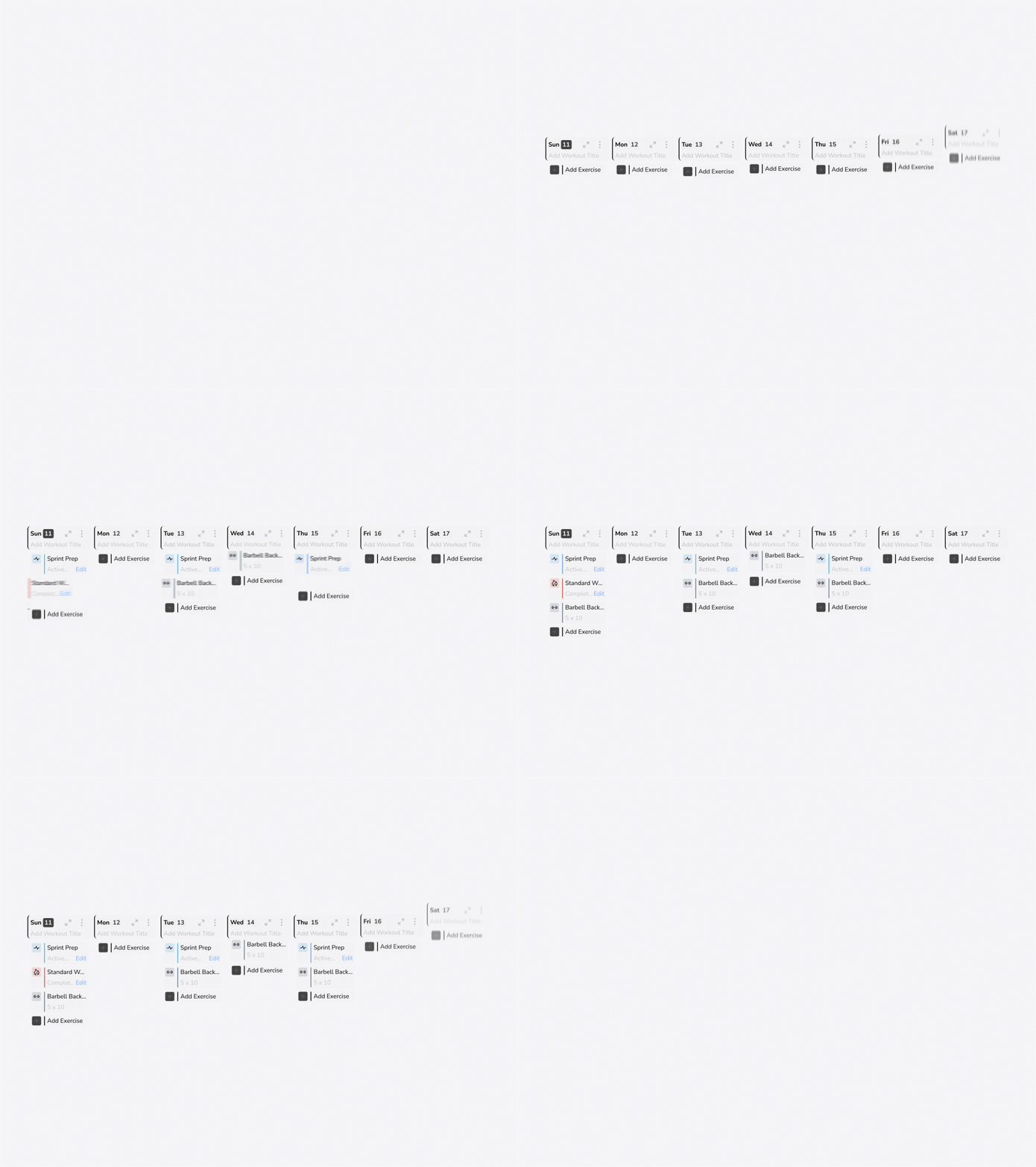
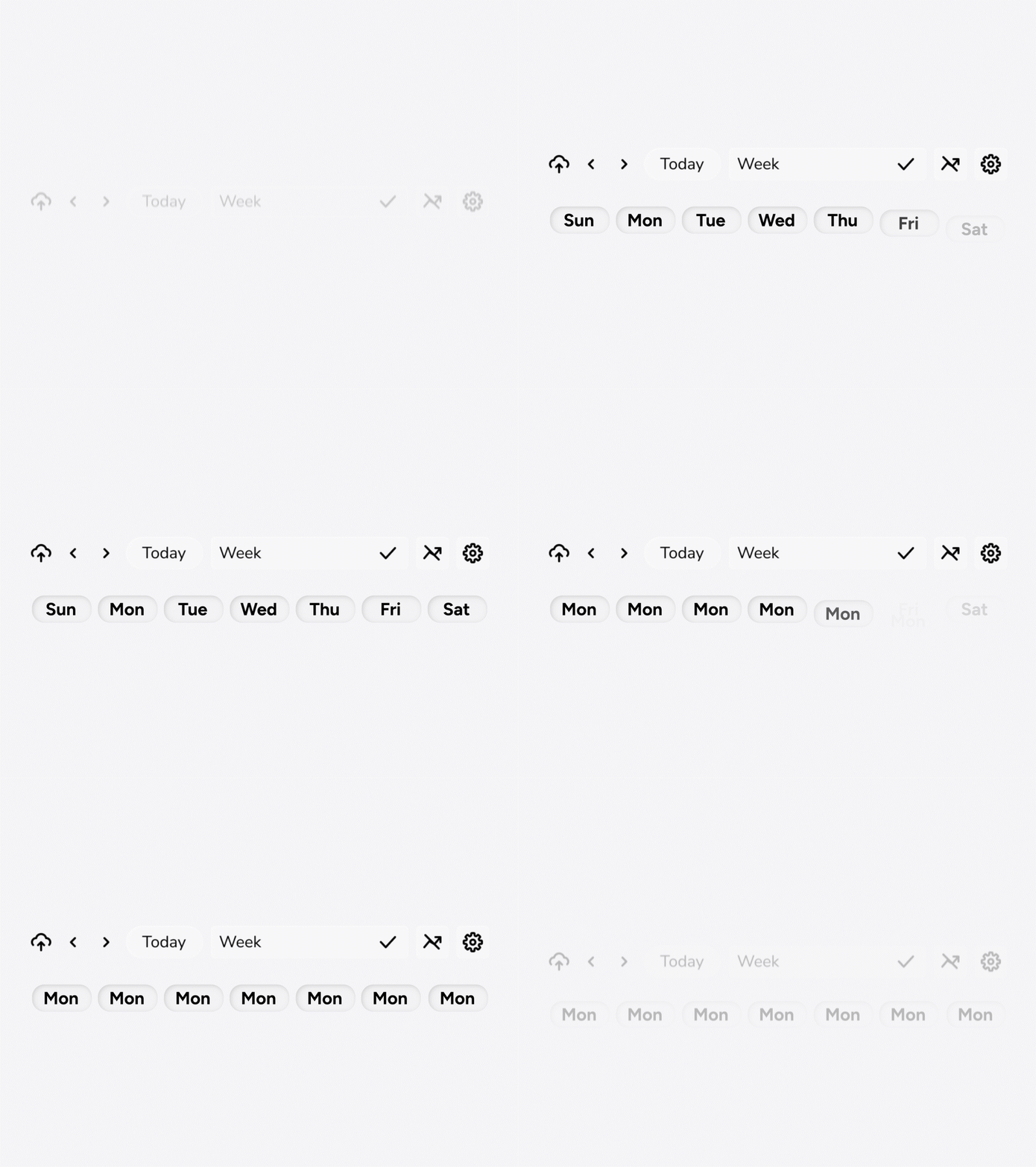
- 📊 Progression View See your week the way you want. Hide days you’re not using or stack all your “Mondays” side-by-side.
Designed for speed & efficiency
The fastest workflow possible for a strength coach.
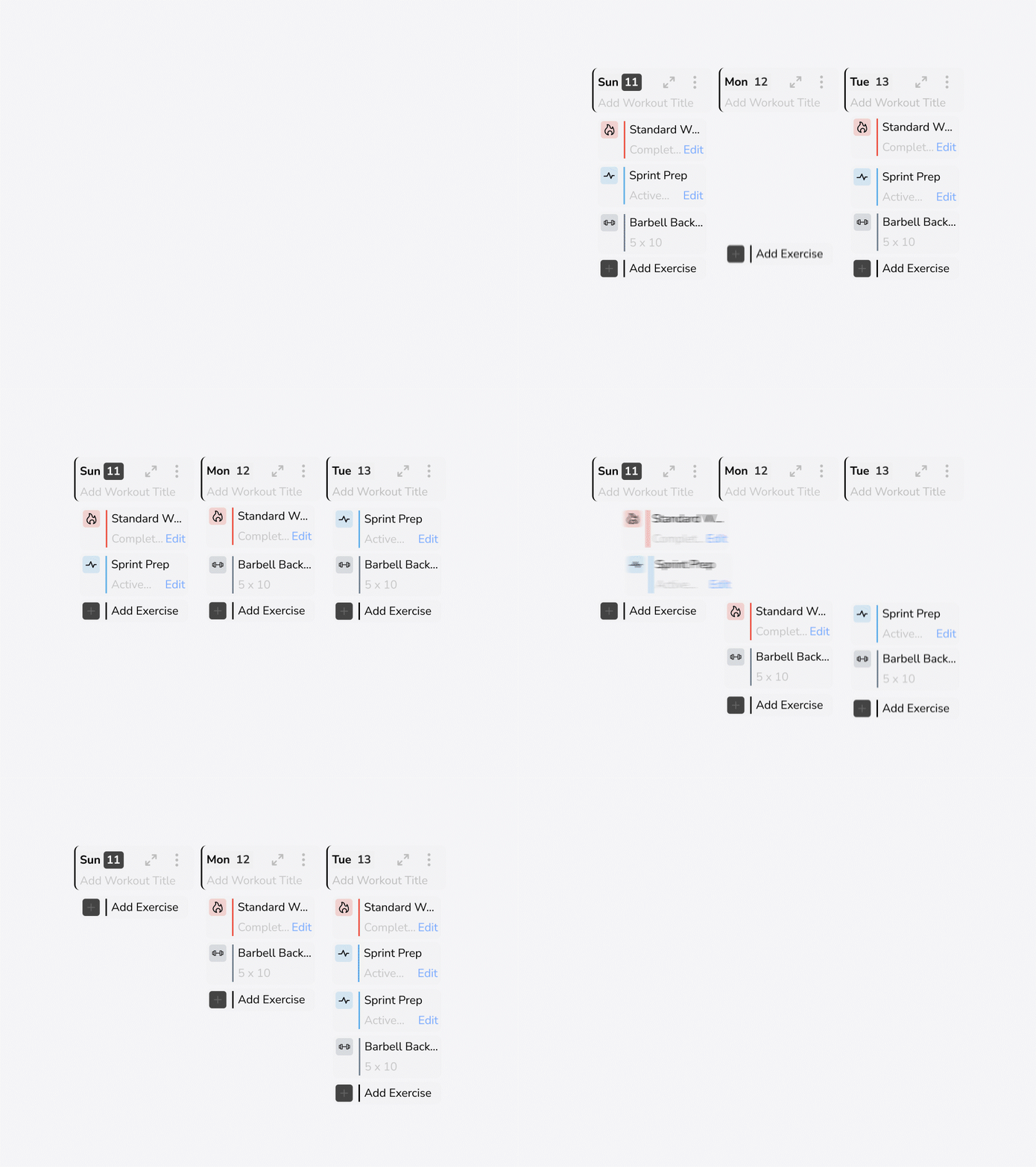
- ➡️ Drag and Drop Easily drag and drop exercises, questionnaires, or entire sections of your program.
- ⌨️ Keyboard Shortcuts Work faster with a suite of keyboard shortcuts designed to streamline your programming.
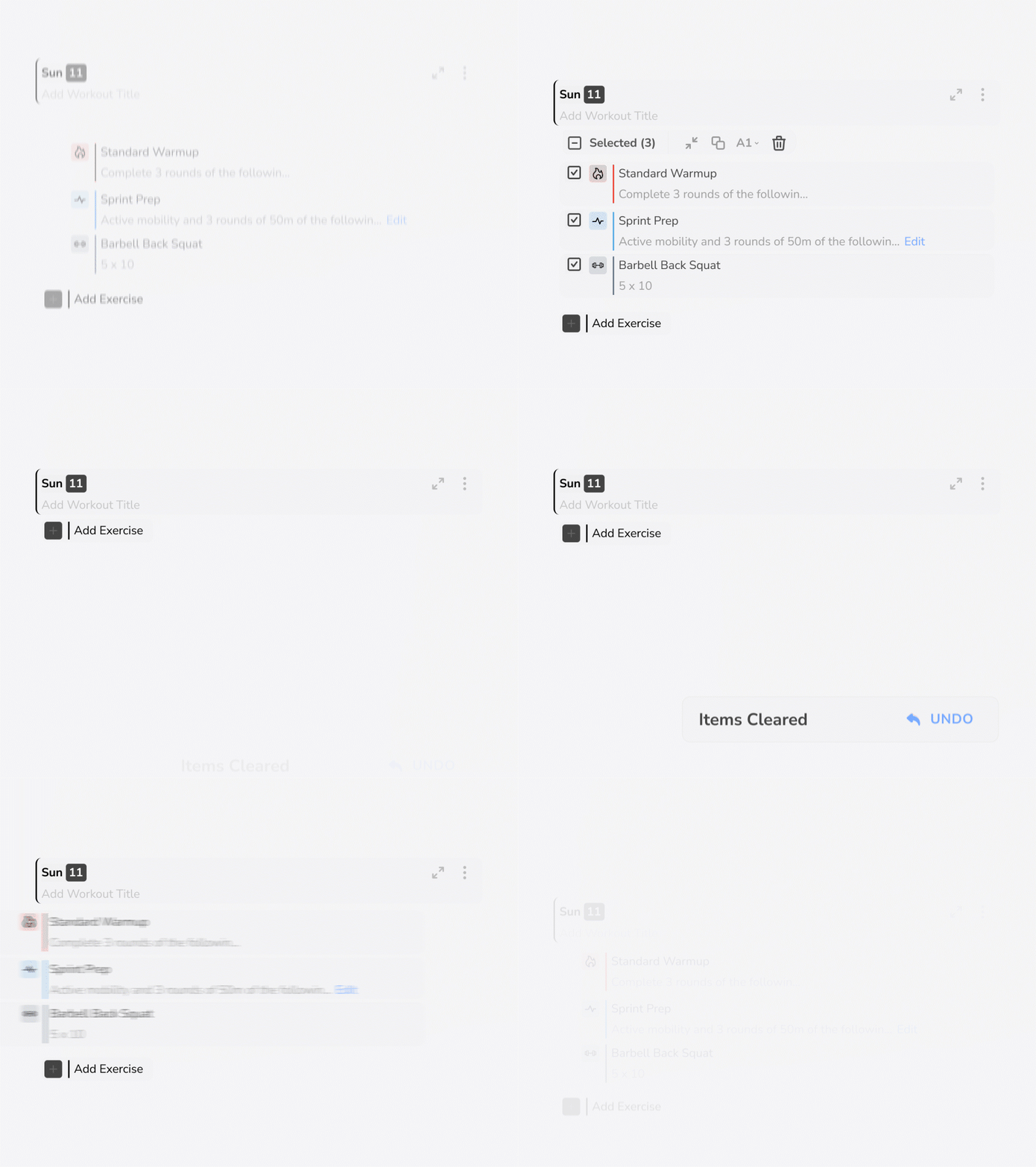
- ↩️ Undo Function Quickly restore deleted workout items in case of accidental removal.
Prioritizing detail & control
Advanced programming tools for detailed, custom coaching.
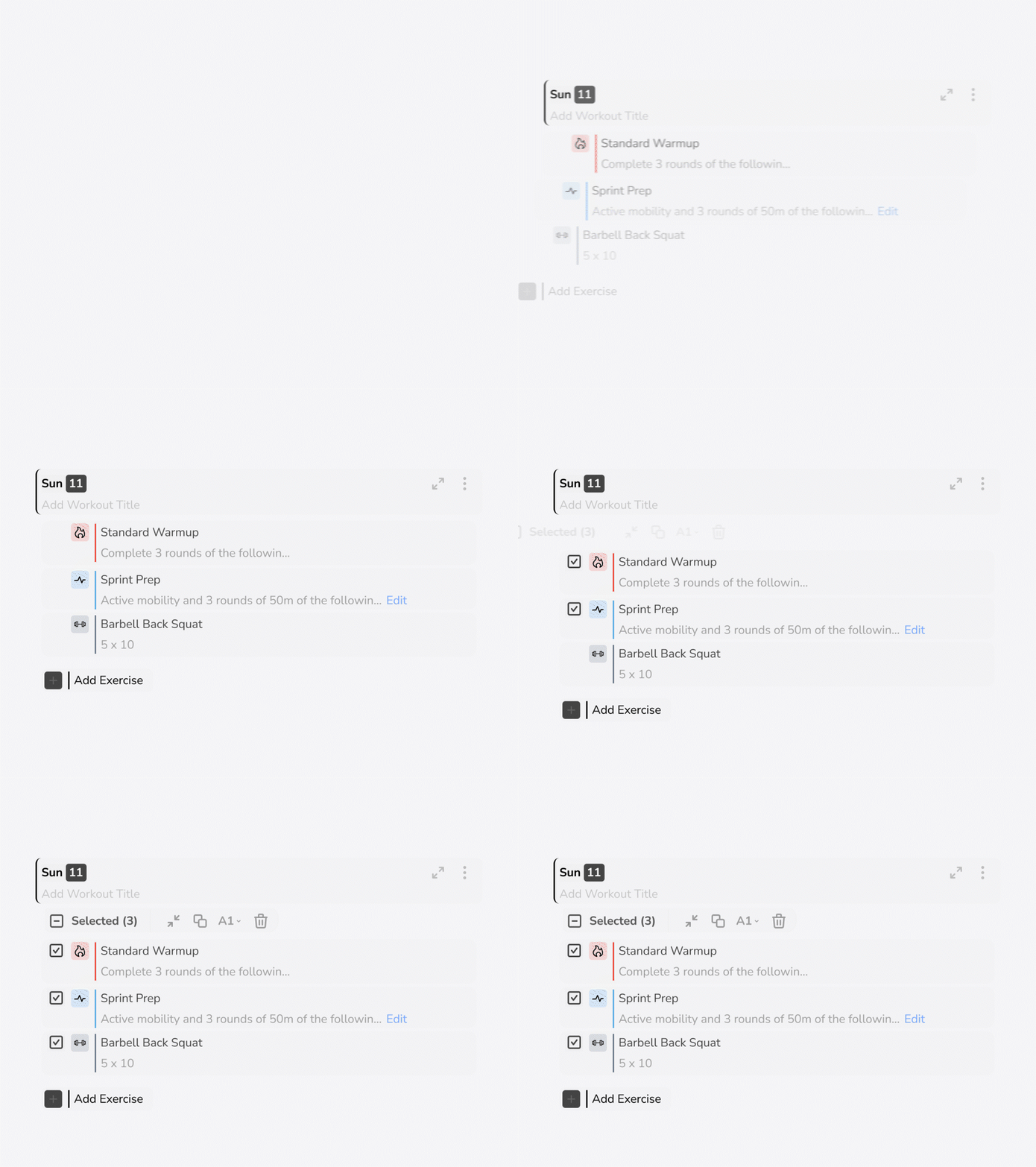
- 🗂️ Multi-Select Tool Manage, copy, or delete whole segments or specific specific pieces of your workout.
-
📂
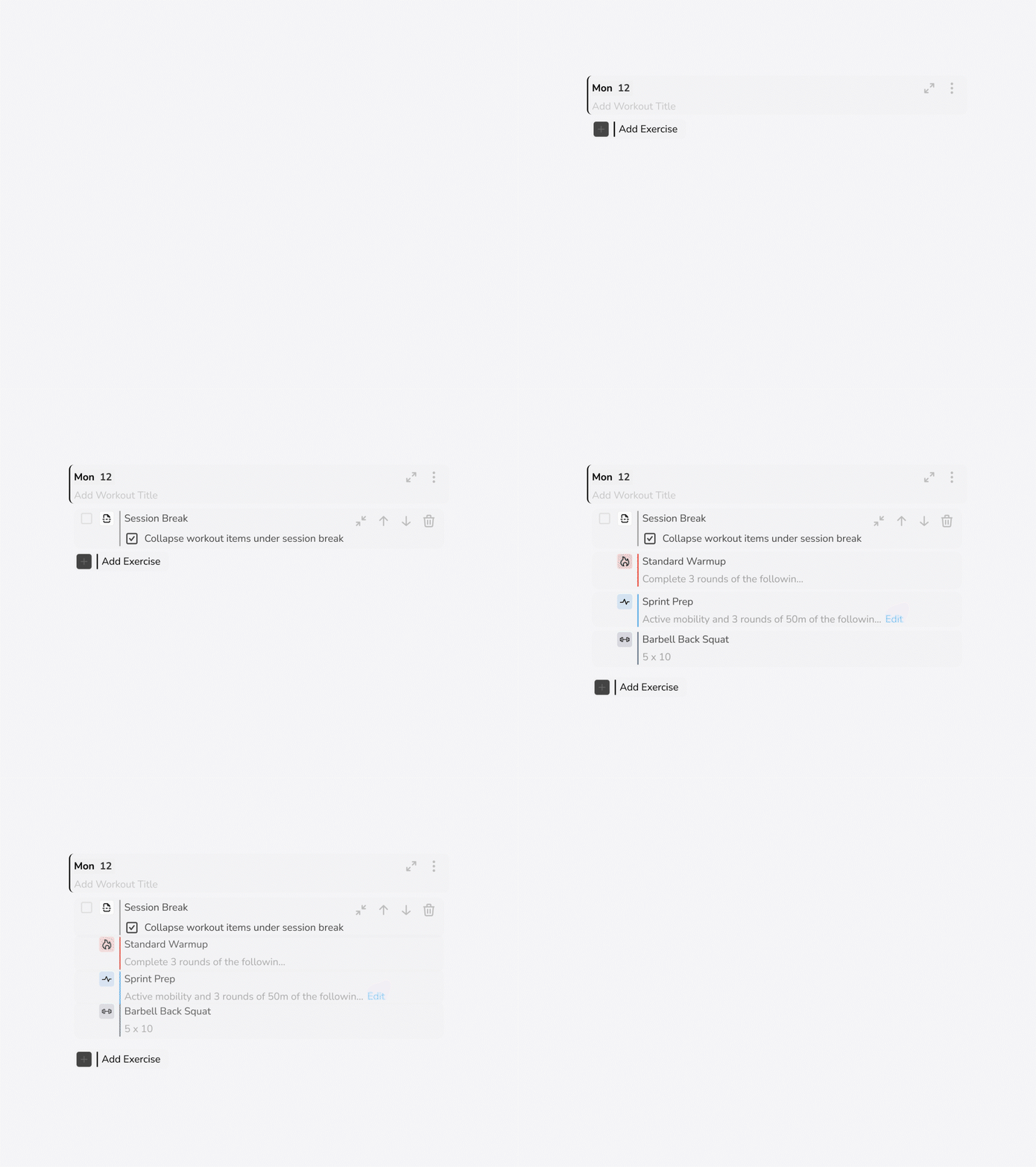
Collapsible Session Breaks
Keep your workouts tidy and structured.
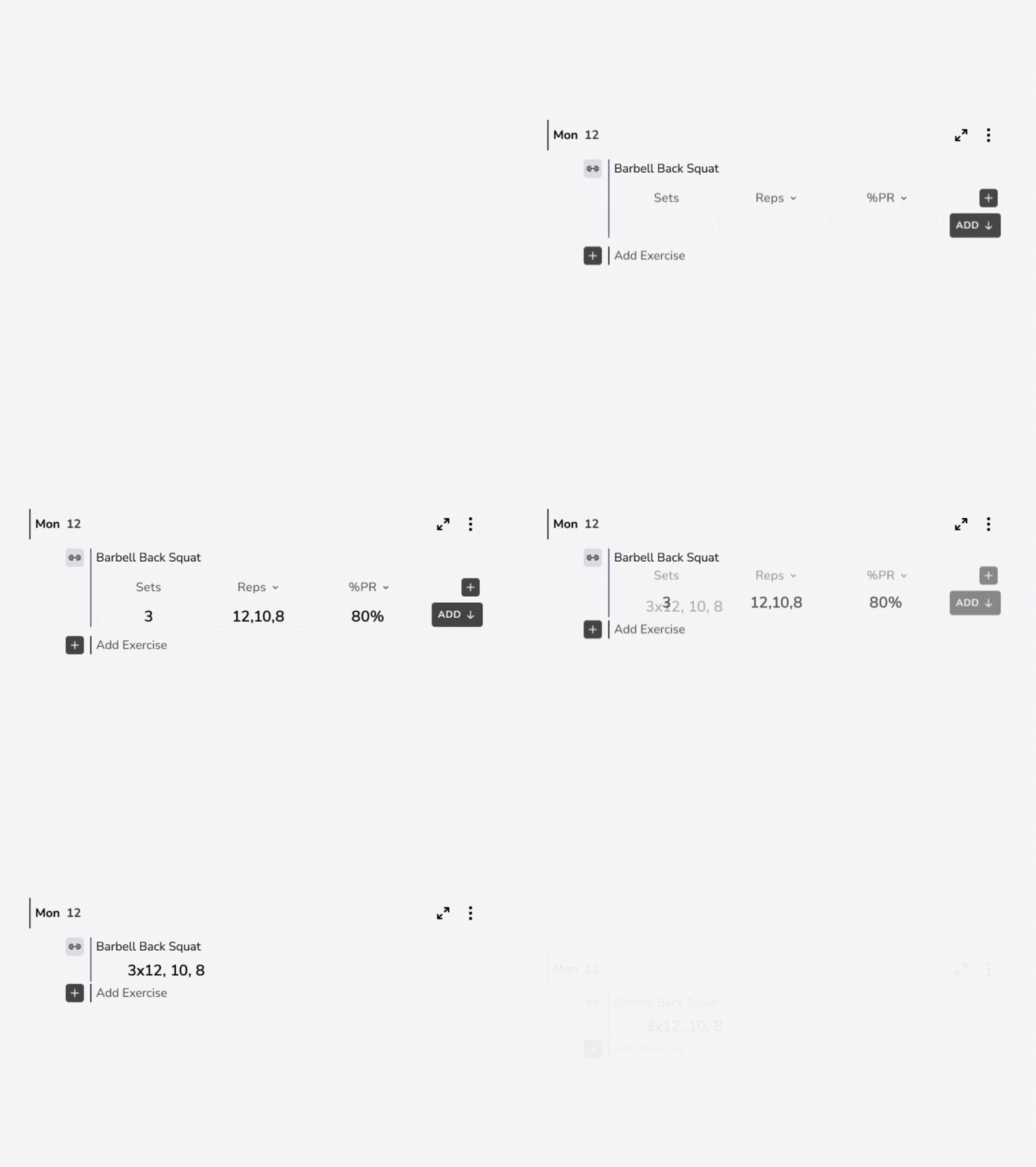
- ⚙️ Custom Programming Quickly add comma-separated reps, custom percentages of 1RM, tempos, and supersets.
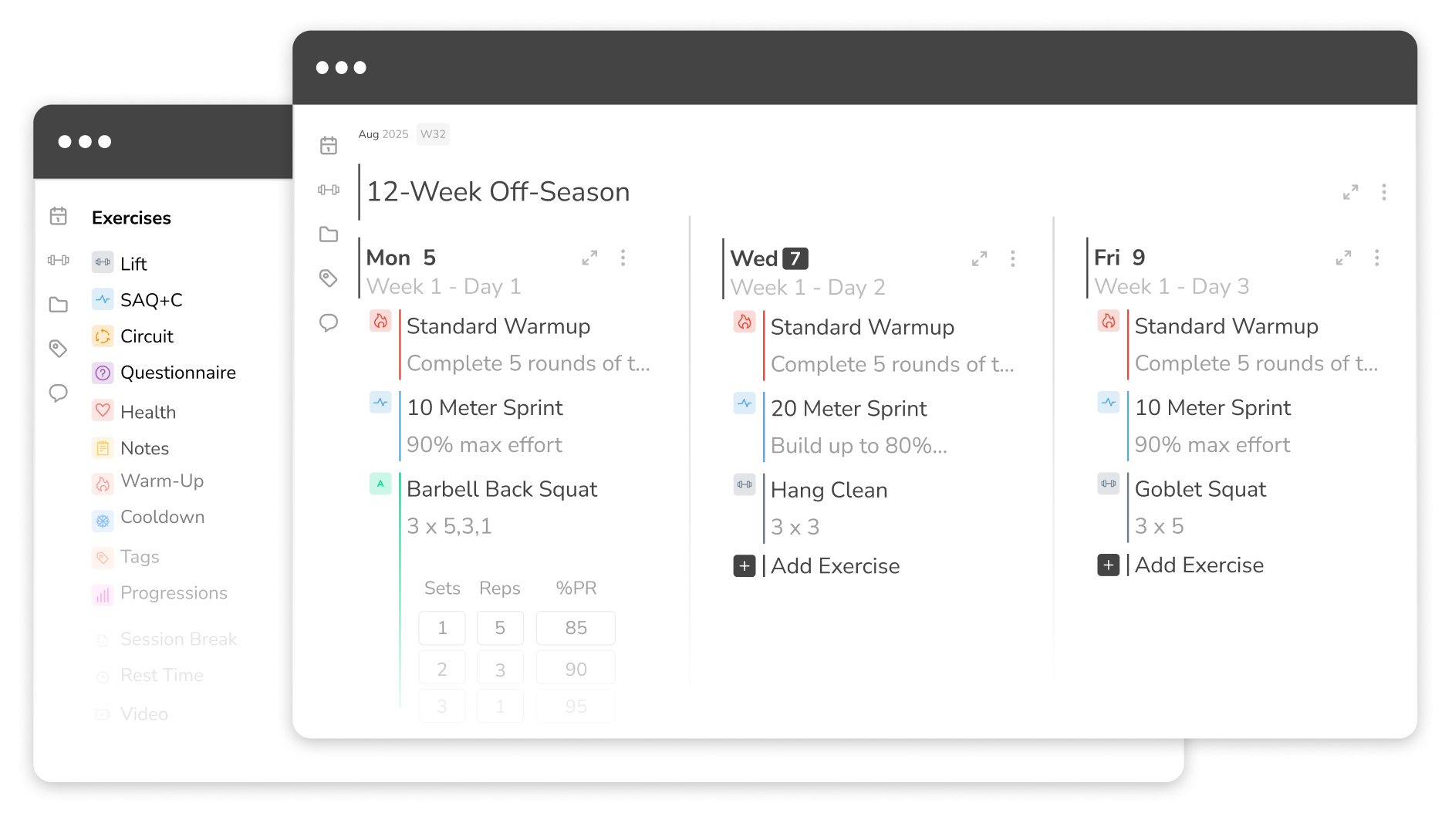
Programming Features For Your Coaching Workflow
FAQ's
You can use both! We encourage you to use Build as much as possible because we will be transitioning to that in time. Anything you make on Build will show up on the calendar and vice versa.
Right now, the undo function (Beta) allows you to restore individual or multi-selected exercises that have been deleted (up to 10 consecutive instances).
Yes, there are a few keyboard short cuts you can use to make your programming faster. Command/Ctrl+C allows you to copy selected exercises. Command/Ctrl+V allows you to paste copied exercises. Command/Ctrl+N allows you to add an exercise. Shift+Enter allows you to Create a New Exercise while adding one into a workout. Command/Ctrl+P allows you to add a property to that exercise. Command/Ctrl+D allows you to delete selected exercises.
Our improved Week View lets you customize your week the way you want to see it. Hide days you’re not using or stack all your “Mondays” or "Day 1s" side-by-side.
Yes, you can use multi select to choose which exercises to copy to another day. You can choose individual exercises, press control C and select a day to use Control V to paste.
Yes, each program or calendar that you have already built in your TeamBuildr Strength account will be accessible in Build.
Yes, you can easily drag and drop exercises, questionnaires, or entire program sections.
Yes, when making a change to your programming, you have the option to select "update all future occurrences.
Yes, if you make a change to a workout program it will update the occurrences for each athlete assigned to that program. If an athlete has already completed that day, it will not make those changes.
Program load first, in the drop down arrow next to load you can adjust the setting to bodyweight.
The gear icon gives you a keyboard shortcut list which is a nice reference tool.
It's the number of components nested under that particular session. This will not appear in workout entry or weight room view.