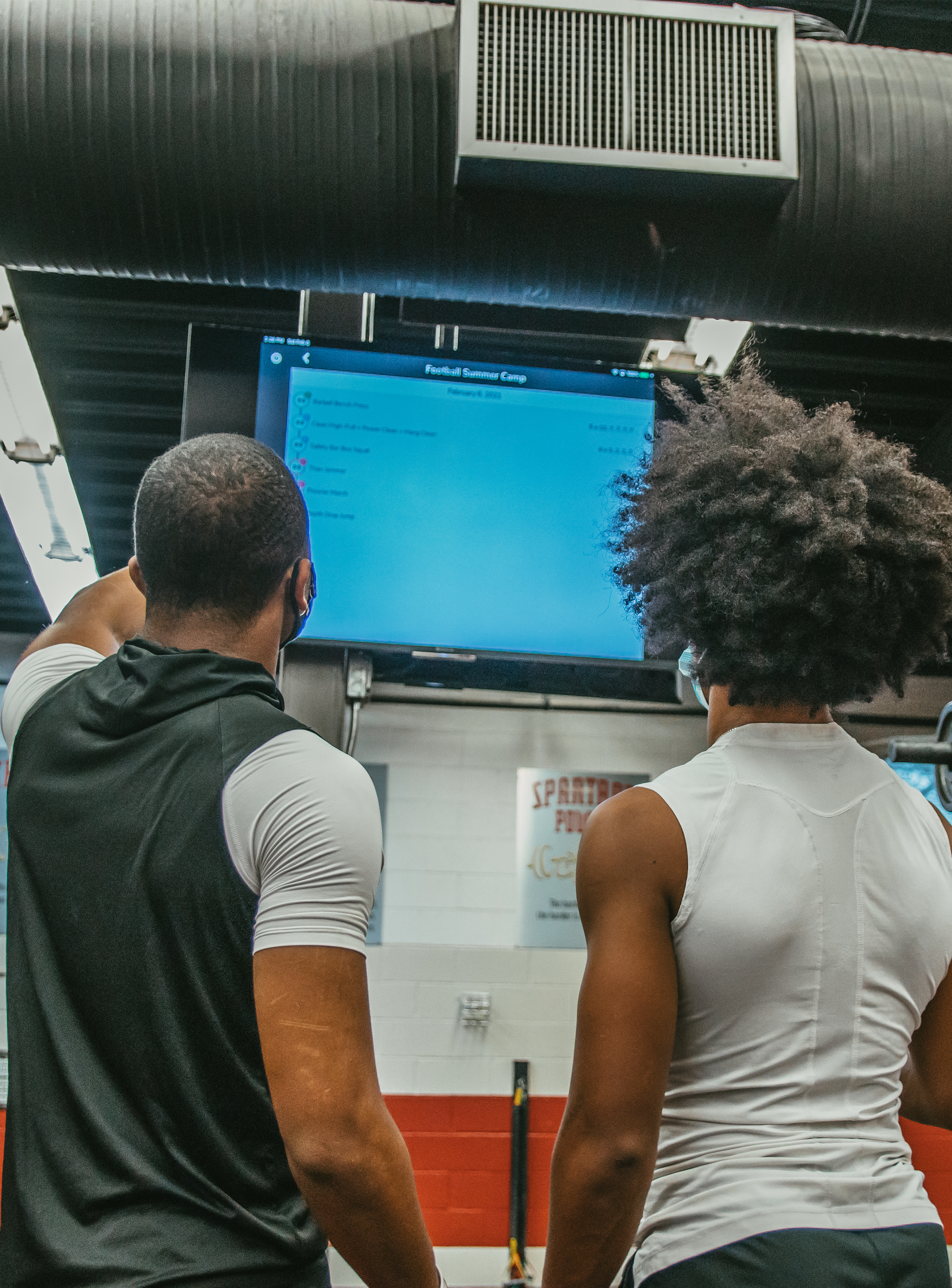
TV Mode

Put the whole session on the big screen.

TeamBuildr's TV modules display your athletes' data in real time. Run timers for every group, live leaderboards, and a self-updating team feed on any TV in the weight room.

  • Apple TV
  • Google Chromecast
  • HDMI cord
Whiteboard4 calendars
BaseballWork 0:20
Today
Barbell Bench Press4 x 5
Band Push Up Plus3 x 12
3 Position Power Clean4 x 3
Barbell Row4 x 8
DB Upright Row 1-1-13 x 5
DB Open Ups3 x 8
General PersonalWork 0:20
Today
Barbell Back Squat4 x 10, 6, 4
Trap Bar Deadlift3 x 5
Vertical Jump3 x 3
Push Ups3 x 10e
Athletic DevelopmentWork 0:20
Today
Back Squat3 x 5
Vertical Jump3 x 3
Mini Band Taps3 x 10e
Push Ups3 x 10e
PitchersWork 0:20
Today
Trap Bar Deadlift3 x 5
Vertical Jump3 x 3
Mini Band Taps3 x 10e
Push Ups3 x 10e
Three TV modules

One weight room. Every screen working.

Providing three modules that display your athletes' data in realtime.

WRV
TV Mode in action

Whiteboard

Takes the program you've already built and turns it into a work, rest, and transition timer for up to 4 groups.

How it runs
  1. Reorder per group
  2. Set work time
  3. Set rest time
  4. Fire away
See Whiteboard

Live Leaderboard

Back Squat

Rank any lift, SAQ+C, or circuit. Results post the moment a score is logged.

See Leaderboard

Team Feed

A self-updating team feed for the weight room TV. Keep it fun. Keep it social.

Self-updating
Setup

Apple TV, Chromecast, or an HDMI cord. That's the setup.

Apple TV, Chromecast, HDMI cord connected to a TV Apple TVChromecastHDMI cord
  1. 1

    Connect your TV

    Use an Apple TV, a Google Chromecast, or a standard HDMI cord.

  2. 2

    Open Workout Tools

    Choose Whiteboard and load up to four calendars at once.

  3. 3

    Give every group its screen

    Groups training at the same time each see their own program, bigger and easier to read.

We used to show the workout for the day using a PowerPoint slide. Now with TeamBuildr, we have timer going for every group while also showing PR's and Leaderboards on different screens. It's a different experience.
Jordan James, Head Strength Coach, Archbishop Murphy High School (WA)
jay dahl
“We were lucky enough to upgrade our entire weight room facility. Part of that upgrade was putting in 8 TV's which TeamBuildr helps us utilize to the fullest with their TV modules.”
Jay Dahl, Head Strength Coach, Waukee High School (IA)

Ready to put your program on the big screen?

See TV Mode running with your own teams in a quick walkthrough.

Want athletes logging from one screen? See Weight Room View